MyKey Plus

Your Key to Indy!

MyKey+ is IndyGo’s new e-fare collection system and a simpler way to pay for your ride. With flexible payment options designed to meet your needs, MyKey+ makes it easier, faster and more convenient to get where you need to go with less hassle.
Learn more here.

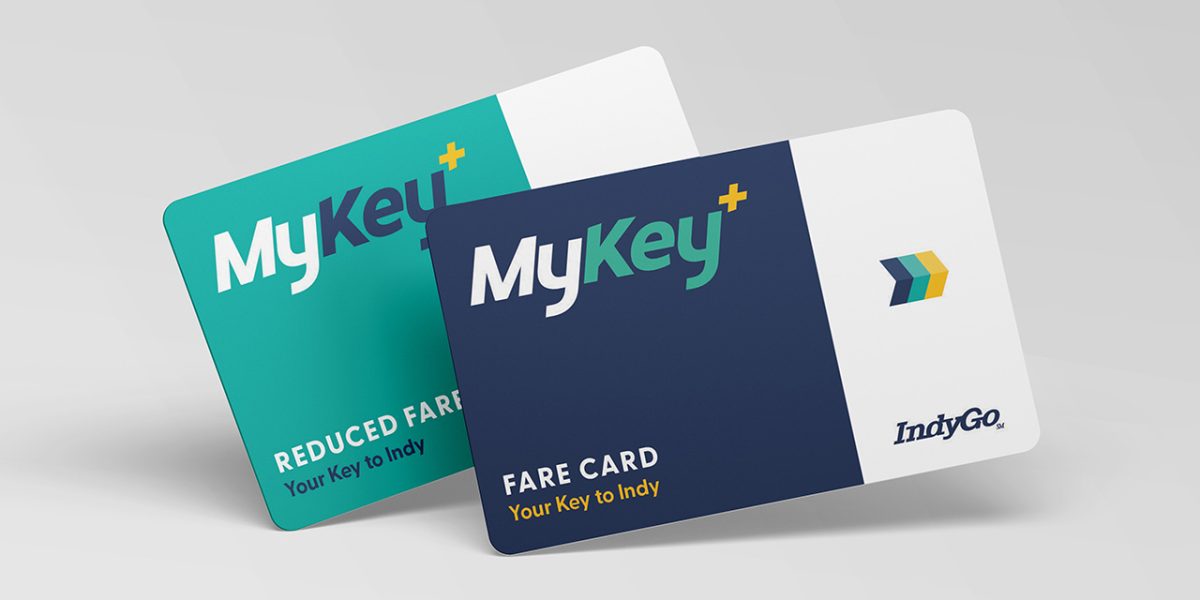
MyKey Plus fare cards
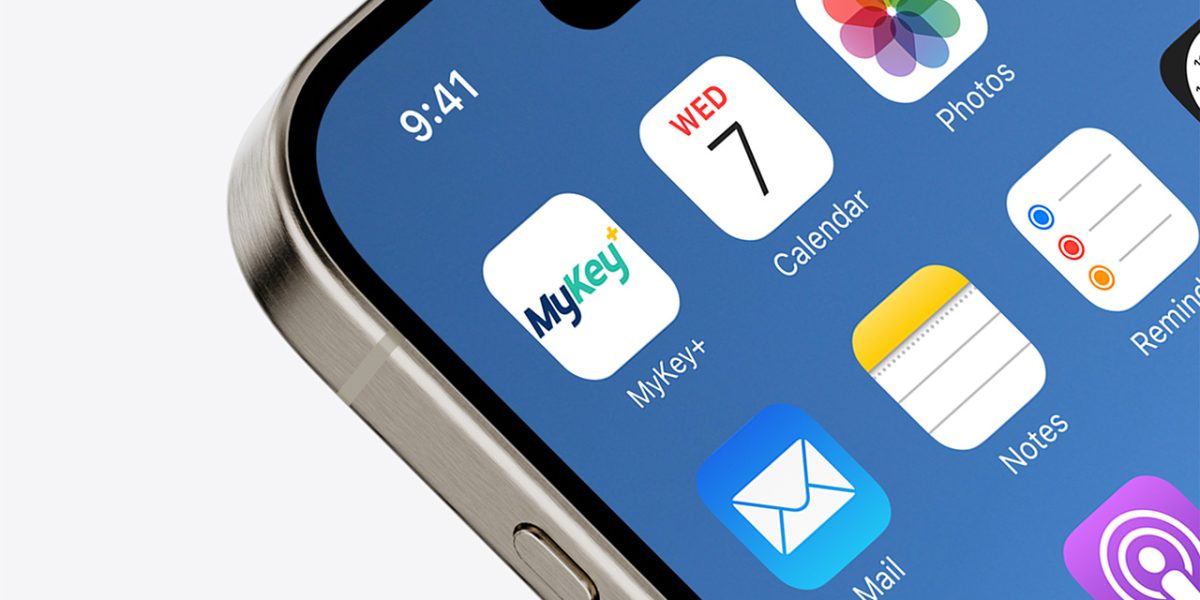
MyKey Plus app icon mockup

Intro to MyKey+

Get Started

Add Funds

Ride IndyGo

Transition Timeline

July 1

MyKey+ web portal and mobile app launch. Magnetic stripe (mag-stripe) passes (1 Trip, 1 Day, 10 Trip, 31 Day, S-Pass and Summer Youth) no longer sold online, at the Care Center Desk or at ticket vending machines (TVM). Blue and white mag-stripe passes (2 Hour and 1 Day) only sold on the bus.

August 1

Riders can no longer add money to their MyKey app or cards. TVMs shut down. TVM removal from bus rapid transit (BRT) stations, Super Stops and the Carson Transit Center begins and continues through the fall.

September 1

MyKey app and cards no longer accepted on IndyGo buses and IndyGo Access paratransit vehicles. MyKey validator removal begins and continues through the fall.

July 1, 2027

Mag-stripe passes (1 Trip, 1 Day*, 7 Day, 10 Trip, 31 Day, S-Pass and Summer Youth) no longer accepted on IndyGo buses.

*Excludes blue and white mag-stripe passes (1 Day) purchased on the bus.

Questions? Starting in July, IndyGo staff will walk you through what to know about the transition – including when to use your MyKey balance and how to use MyKey+.

Reduced Fare MyKey users, including veterans, youth and those with a disability, plan to attend an open house to get your Reduced Fare MyKey+ card.

If you are an IndyGo Access user who rides fixed route buses, you will need to obtain a MyKey+ account by calling the IndyGo Customer Care Center at 317-635-3344 to schedule an in-person appointment.

July Sessions

July 6 – 17

Monday – Friday: 7 – 9 a.m. & 5 – 7 p.m.

Julia M. Carson Transit Center

August Sessions

August 17 – 28

Monday – Friday: 7 – 9 a.m. & 5 – 7 p.m.

Julia M. Carson Transit Center

Temporary Care Center Desk Hours

The Care Center Desk will also be open for special Saturday hours to help riders upgrade to MyKey+, from 9 a.m. to 1 p.m., in July and August.

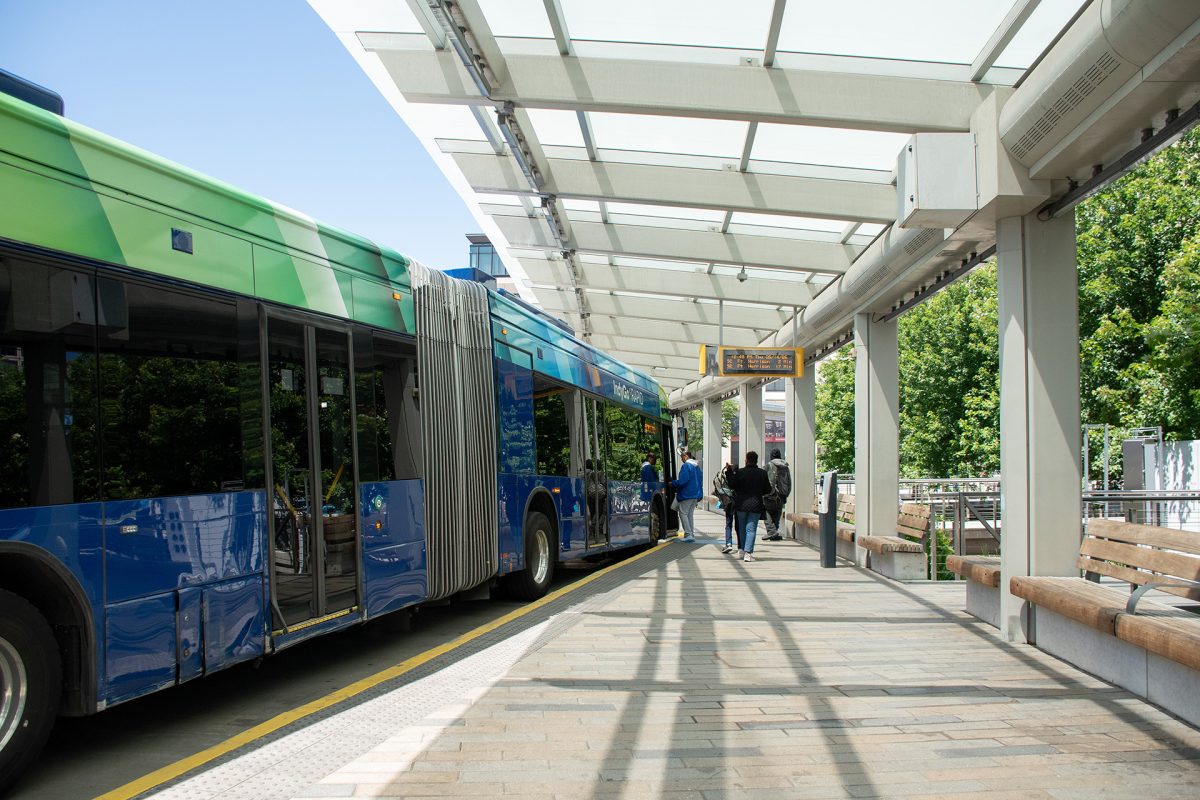
60 foot bus at Carson Transit Center

When you come to an open house in July or August to obtain your MyKey+ card, we highly encourage you to have a $0.00 balance on your MyKey card.

This makes the transition to MyKey+ smoother.

Looking for other ways to use your remaining balance? Click here to visit the MyKey University page and expand the “Multiple Accounts” selection.

Questions about MyKey+

IndyGo wants to ensure riders are ready for the transition to MyKey+. Please see the Community Toolkit and the list of frequently asked questions below to learn more about MyKey+.

This toolkit includes printable flyers and ready-to-use social media content in English, Spanish and Haitian Creole to engage audiences and share MyKey+ information.

You can obtain a new MyKey+ card by going to the Care Center Desk at the Julia M. Carson Transit Center. The Care Center Desk is open from 8 a.m. to 6 p.m. Monday through Friday and 9 a.m. to 1 p.m. Saturdays in July and August.


You also can download the MyKey+ app from the Apple App Store and the Google Play Store.

No. However, we do recommend that you create a MyKey+ account and register your card to that account to access the benefit of balance protection. Balance protection allows MyKey+ account holders to temporarily suspend the use of a registered card, thereby freezing the balance on the card.

In the MyKey+ app, tap MyRide on the home screen. Under your Tap & Ride Balance, tap expand to see View Transaction History. Once you tap on View Transaction History you can choose a date range. This transaction history shows all events associated with your account, including the travel history of all primary and secondary tokens associated with the account.

If you are using a MyKey+ card, you can check your balance by logging into the MyKey+ web portal. Once you log in, click History at the top of the page near the right-hand corner.

A token is a mobile QR code or a MyKey+ card that provides a means of accessing the funds in your MyKey+ account for pay as you go.

If the validator doesn’t recognize your MyKey+ card or QR code in your MyKey+ app, you can visit the Care Center Desk at the Julia M. Carson Transit Center or call the IndyGo Customer Care Center at 317-635-3344.

The Care Center Desk is open from 8 a.m. to 6 p.m. Monday through Friday and 9 a.m. to 1 p.m. Saturdays in July and August. The IndyGo Customer Care Center is open from 5 a.m. to midnight Monday through Saturday and 6 a.m. to 9 p.m. Sunday.

If the validator shows a red X when you tap your MyKey+ card or scan your QR code from the MyKey+ app on the validator, you can visit the Care Center Desk at the Julia M. Carson Transit Center or call the IndyGo Customer Care Center at 317-635-3344.

The Care Center Desk is open from 8 a.m. to 6 p.m. Monday through Friday and 9 a.m. to 1 p.m. Saturdays in July and August. The IndyGo Customer Care Center is open from 5 a.m. to midnight Monday through Saturday and 6 a.m. to 9 p.m. Sunday.
If you lock yourself out of your MyKey+ app, you can tap Reset under Password on the sign-in screen and follow the steps. If you lock yourself out of your MyKey+ account online, you can click Forgot Your Password? And follow the steps. You can also visit the Care Center Desk at the Julia M. Carson Transit Center or call the IndyGo Customer Care Center at 317-635-3344.

The Care Center Desk is open from 8 a.m. to 6 p.m. Monday through Friday and 9 a.m. to 1 p.m. Saturdays in July and August. The IndyGo Customer Care Center is open from 5 a.m. to midnight Monday through Saturday and 6 a.m. to 9 p.m. Sunday.
Yes, the minimum amount you can add to your account is $2.00 and the maximum amount is $200.00.

When you purchase a new ticket in the MyKey+ app, you can select the ticket type and how many tickets you want to purchase. Once your purchase is complete and you are ready to ride, go to the Wallet in your MyKey+ app, select a ticket and tap activate. An active ticket needs to be validated for each person. You can tap the arrows at the bottom of the screen to move between tickets.

Unfortunately, no. Once a MyKey+ card is tapped on a validator, it cannot be passed back to another family member or friend to tap again and ride.

The primary account holder can link their child’s MyKey+ card to their MyKey+ user account. Each MyKey+ card would be linked as a secondary token to the primary account. From the home screen, tap Tap & Ride. Then, under your active tokens, tap Add Smart Card. Next, you’ll need to enter the MyKey+ card number and give the card a name. Once you accept the Terms and Conditions, just tap to register the MyKey+ card and enter the verification code from the card. Finally, tap on the Verify and Register button.

If your child uses the MyKey+ app with a mobile QR code, you can link the QR code as a secondary token to your MyKey+ account.

Youth ages 6 to 18 with a valid K-12 student ID are eligible to ride at the half-fare rate. To ensure your child receives this benefit, visit the Care Center Desk. If you do not visit the Care Center Desk to confirm your child’s age and obtain a reduced fare MyKey+ card or have the benefit applied to your child’s mobile QR code, your child will be charged full fare.

The Care Center Desk is open from 8 a.m. to 6 p.m. Monday through Friday and 9 a.m. to 1 p.m. Saturdays in July and August.
No, your receipt will have an EZfare and/or Masabi logo on it. These are the programs that power MyKey+.

Justride is one of the programs that powers MyKey+. Once you set up your account through Justride and log in, you will see the MyKey+ logo indicating you are on the IndyGo e-fare collection system.

You can take your MyKey+ card to the Care Center Desk at the Julia M. Carson Transit Center, or you can visit any of the stores in our retail network. To learn what stores are part of the retail network, visit https://map.payithere.com/. The Care Center Desk is open from 8 a.m. to 6 p.m. Monday through Friday and 9 a.m. to 1 p.m. Saturdays in July and August.

Yes, you can still pay with cash on the bus and obtain a blue and white magnetic-stripe paper pass (2 Hour or 1 Day). You cannot purchase MyKey+ tickets or fare on the bus.

If you do not have a smartphone or a debit or credit card, you can still use cash to pay your fare on the bus. You also can obtain a MyKey+ card at the Julia M. Carson Transit Center, where you can use cash to add funds to your card at the Care Center Desk. The Care Center Desk is open from 8 a.m. to 6 p.m. Monday through Friday and 9 a.m. to 1 p.m. Saturdays in July and August.

You also can visit a store in the retail network to add cash to your MyKey+ account. To learn what stores are part of the retail network, visit https://map.payithere.com/.

Veterans, youth, seniors, persons with a disability and students who already have a valid personalized MyKey card can visit the Care Center Desk at the Julia M. Carson Transit Center any time the desk is open. To assist with this transition, IndyGo will offer expanded hours in July and August to include Saturday hours from 9 a.m. to 1 p.m. We also will offer open houses with additional staff to help you make the transition to MyKey+ July 6 – 17 and Aug. 17 – 28 from 7 – 9 a.m. and 5 – 7 p.m. Please be sure you have your existing MyKey reduced fare card with you to ensure your discount is applied to your MyKey+ account.

If you are an IndyGo Access rider please know that MyKey+ will not be used with IndyGo Access, but you will need a MyKey+ account if you plan to ride IndyGo buses. You may obtain your MyKey+ card only by calling 317-635-3344.

Starting Aug. 1, IndyGo Access will re-launch Access Wallet (previously called OD Balance), a pre-payment service through Ecolane. You also can call the Customer Care Center at 317-635-3344 to schedule and pre-pay for your trip. The IndyGo Customer Care Center is open from 5 a.m. to midnight Monday through Saturday and 6 a.m. to 9 p.m. Sunday.

We encourage you to use the balance on your MyKey account as soon as possible to facilitate a smooth transition to MyKey+. You have until Aug. 31.

If they scanned the back of your MyKey+ card or the barcode within your app and it didn’t work, you can call the IndyGo Customer Care Center at 317-635-3344 to add money to your account via a credit/debit card. You also can visit the Care Center Desk at the Julia M. Carson Transit Center to add funds to your account using cash or credit/debit card. Additionally, you can visit https://map.payithere.com/ to find another retailer near you.

The Care Center Desk is open from 8 a.m. to 6 p.m. Monday through Friday and 9 a.m. to 1 p.m. Saturdays in July and August. The IndyGo Customer Care Center is pen from 5 a.m. to midnight Monday through Saturday and 6 a.m. to 9 p.m. Sunday.

MyKey+ cards are available for free at the Care Center Desk at the Julia M. Carson Transit Center. The Care Center Desk is open from 8 a.m. to 6 p.m. Monday through Friday and 9 a.m. to 1 p.m. Saturdays in July and August. Retailers do not offer new MyKey+ cards.

VanillaDirect is a retail network where you can go to add money to your MyKey+ account. To learn what stores are part of the retail network, visit https://map.payithere.com/.

Yes, you can use your MyKey card or app until Aug. 31. However, after July 31, you will no longer be able to add money to your MyKey account. By Sept. 1, your MyKey account will no longer work. We encourage you to use the balance on your MyKey card as soon as possible to facilitate a smooth transition to MyKey+.

You have until Aug. 31 to use the balance on your MyKey card or app. We encourage you to use the balance on your MyKey account as soon as possible to facilitate a smooth transition to MyKey+.

The last day to use your MyKey card or app is Aug. 31. As of Sept. 1, your MyKey card and app will no longer work.

We encourage you to use the balance on your MyKey account as soon as possible to facilitate a smooth transition to MyKey+. You have until Aug. 31. You also may transfer your MyKey balance to another MyKey app or card user via the MyKey app or your online account. In your MyKey app:

  1. Tap/click Manage next to your fare card or tap QR Code.
  2. Tap/click on Link My Media.
  3. Tap/click on the Send An Invite button.
  4. Enter the email address of your friend or family member who has a MyKey account on the next page.
  5. After you enter the email address, tap/click on the Send An Invite button. You will see a message appear that says, “Email Sent Successfully. A pairing link has been successfully generated and sent to this email address.”
  6. Ask your friend or family member to look for an email from IndyGo with the subject line, “You’ve been invited to link a fare card to your account.” In that message, they should tap/click Link Fare Card and then login to their MyKey account. Next, they will see a screen that says Add Fare Card and will be asked to name the card. After they enter a card name, tap/click on Add Fare Card.
  7. Once you know the card is linked to your friend or family member, tap/click on Manage next to your card, or tap on QR Code.
  8. Tap/click on Transfer Balance, choose how much you want to transfer, select the fare card you want to transfer to from the drop-down menu and tap/click Transfer Balance.

Yes, you can still pay your fare on the bus using cash and obtain a blue and white magnetic-stripe paper pass (2 Hour or 1 Day). You cannot purchase MyKey+ tickets or fare on the bus.

Yes, but only for a limited time. As of July 1, 2027, we will no longer accept the following magnetic-stripe paper passes: 7 Day, 10 Trip, 31 Day, S-Pass and Summer Youth. You can still purchase – and we will still accept – magnetic-stripe passes (2 Hour and 1 Day) on the bus.

We will turn off the ticket vending machines on Aug. 1. You can still pay your fare on the bus with cash or use MyKey+. There are no plans to add new ticket vending machines.